> ## Documentation Index
> Fetch the complete documentation index at: https://docs.replo.app/llms.txt
> Use this file to discover all available pages before exploring further.
# Page & SEO Settings
> Page & SEO Settings
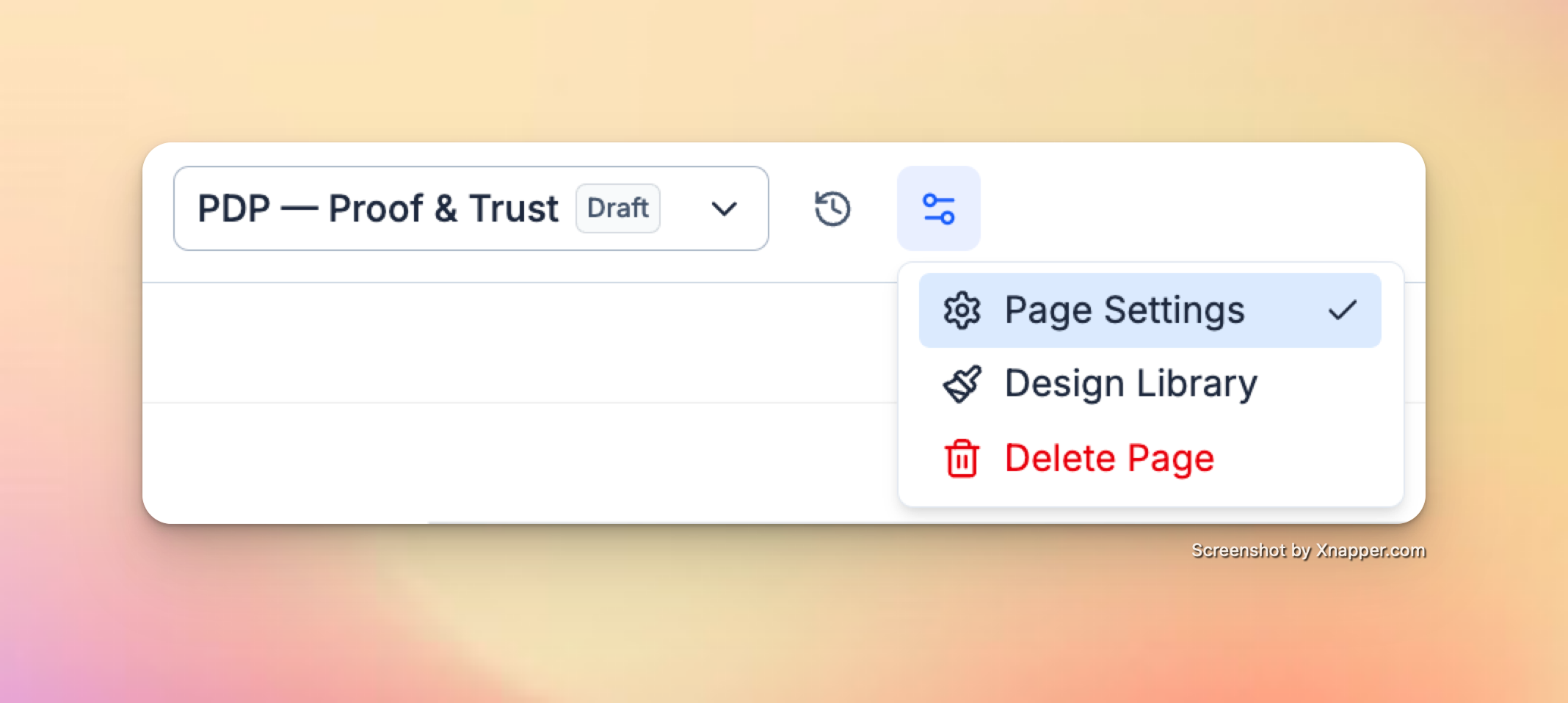
You can manage important page-level settings directly in the editor. Find Page Settings in the top bar, next to Version History. These settings help control how your page appears to visitors, in search results, and when shared on social media.
 ## **Page Settings**
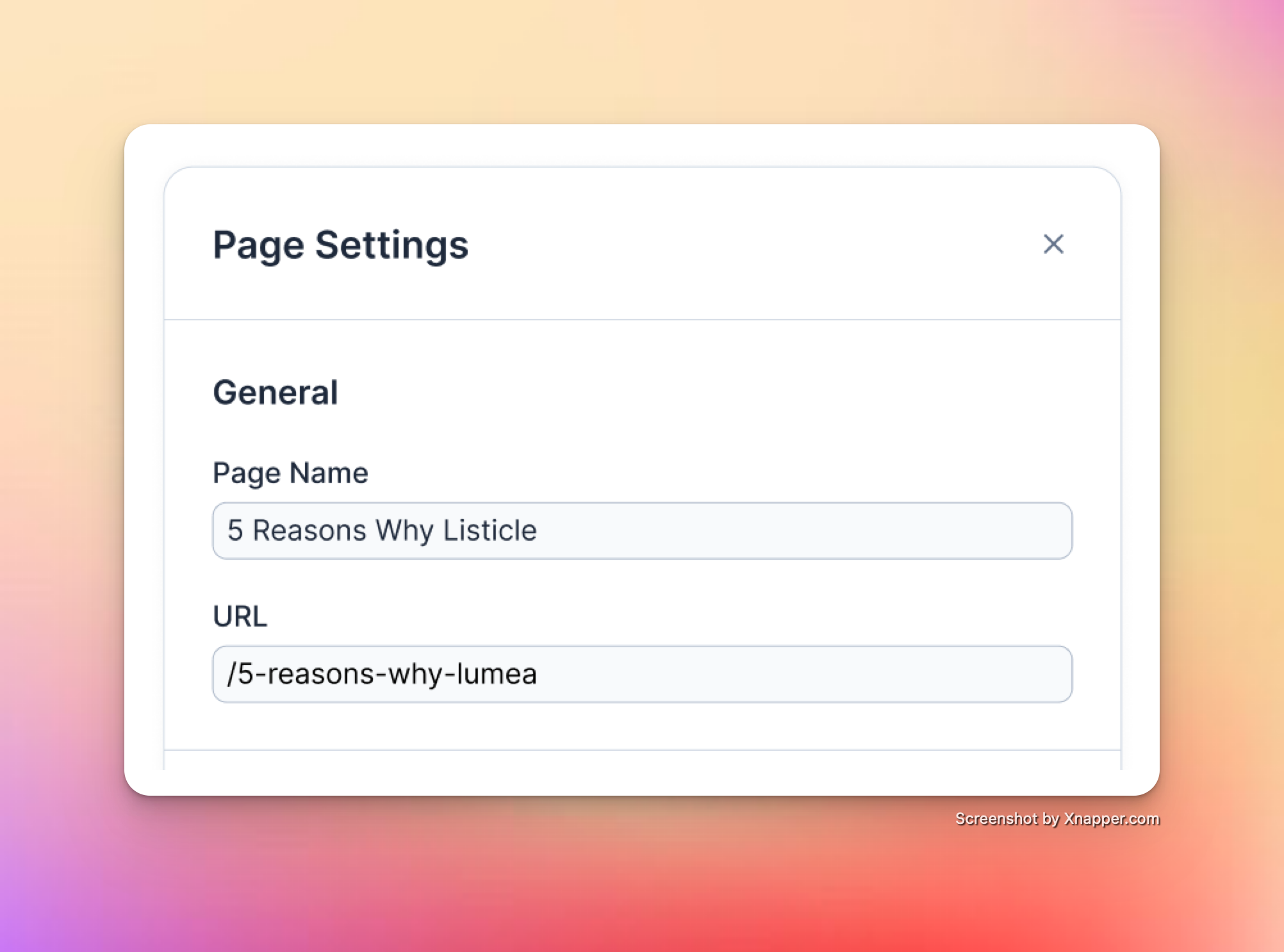
* **Name**
The internal name for your page inside Replo. This does not affect what visitors see.
* **Path**
The URL path for your page (e.g., /5-reasons-why-lumea). This determines the page’s direct link.
## **Page Settings**
* **Name**
The internal name for your page inside Replo. This does not affect what visitors see.
* **Path**
The URL path for your page (e.g., /5-reasons-why-lumea). This determines the page’s direct link.
 ## **SEO Settings**
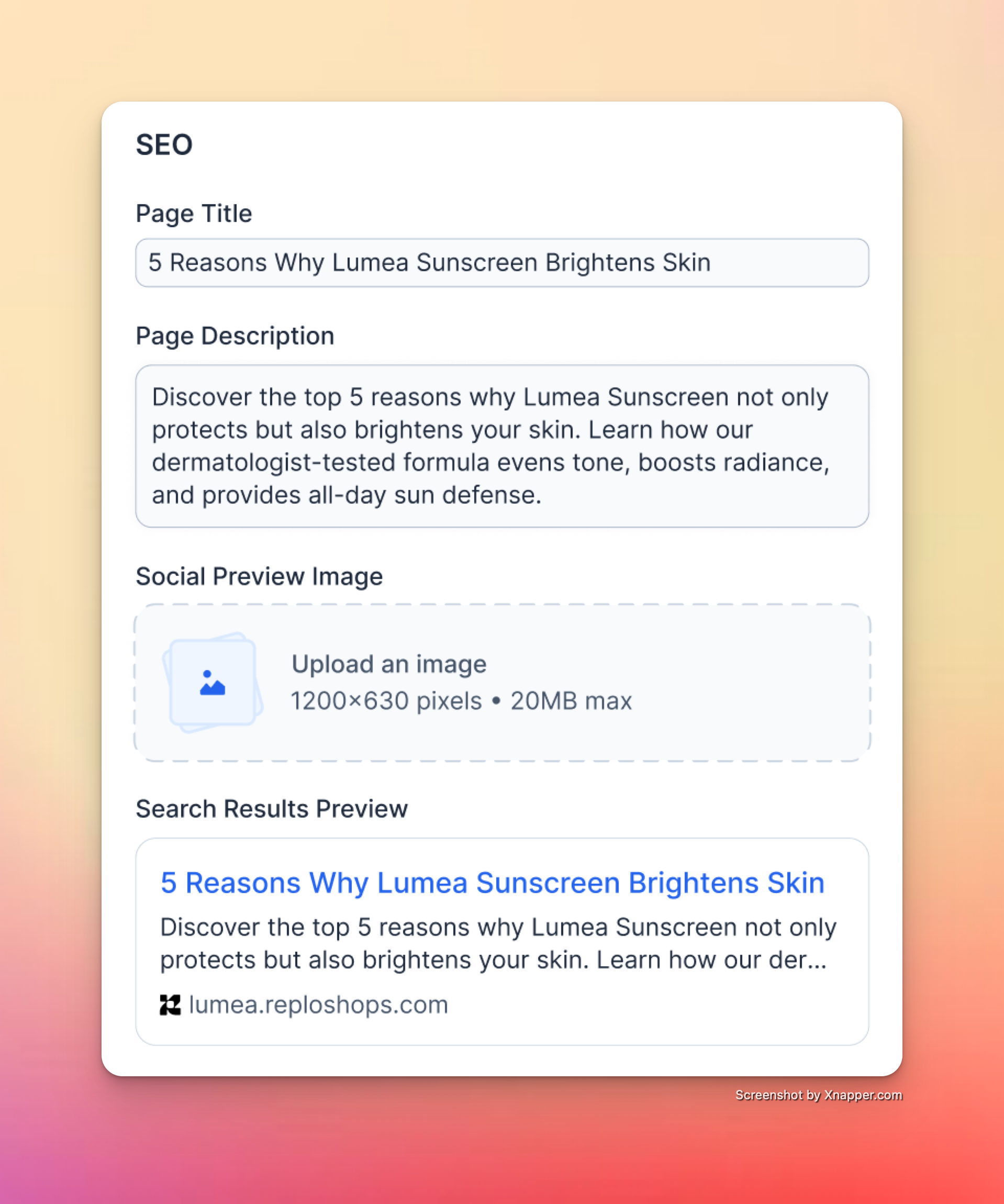
* **Page Title**
The title that appears in browser tabs, search results, and social shares. A good page title is concise, descriptive, and includes relevant keywords.
* **Page Description**
A short summary (1–2 sentences) of the page’s content. This description appears under the title in search engine results and helps improve click-through rates.
* **Social Preview Image**
Upload an image (1200×630px, up to 20MB) that will be shown when your page is shared on social platforms like Facebook, Twitter, and LinkedIn.
## **SEO Settings**
* **Page Title**
The title that appears in browser tabs, search results, and social shares. A good page title is concise, descriptive, and includes relevant keywords.
* **Page Description**
A short summary (1–2 sentences) of the page’s content. This description appears under the title in search engine results and helps improve click-through rates.
* **Social Preview Image**
Upload an image (1200×630px, up to 20MB) that will be shown when your page is shared on social platforms like Facebook, Twitter, and LinkedIn.
 * **Show Page in SEO**
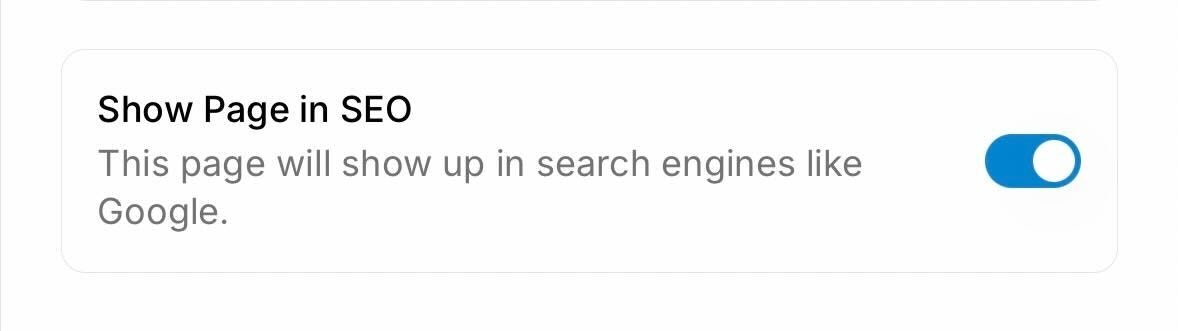
Controls whether your page can be indexed by search engines like Google. When enabled (the default), your page will be discoverable in search results. When disabled, a `noindex` meta tag is added to prevent search engines from indexing the page.
* **Show Page in SEO**
Controls whether your page can be indexed by search engines like Google. When enabled (the default), your page will be discoverable in search results. When disabled, a `noindex` meta tag is added to prevent search engines from indexing the page.
 # **Site Favicon (Shop-Level Setting)**
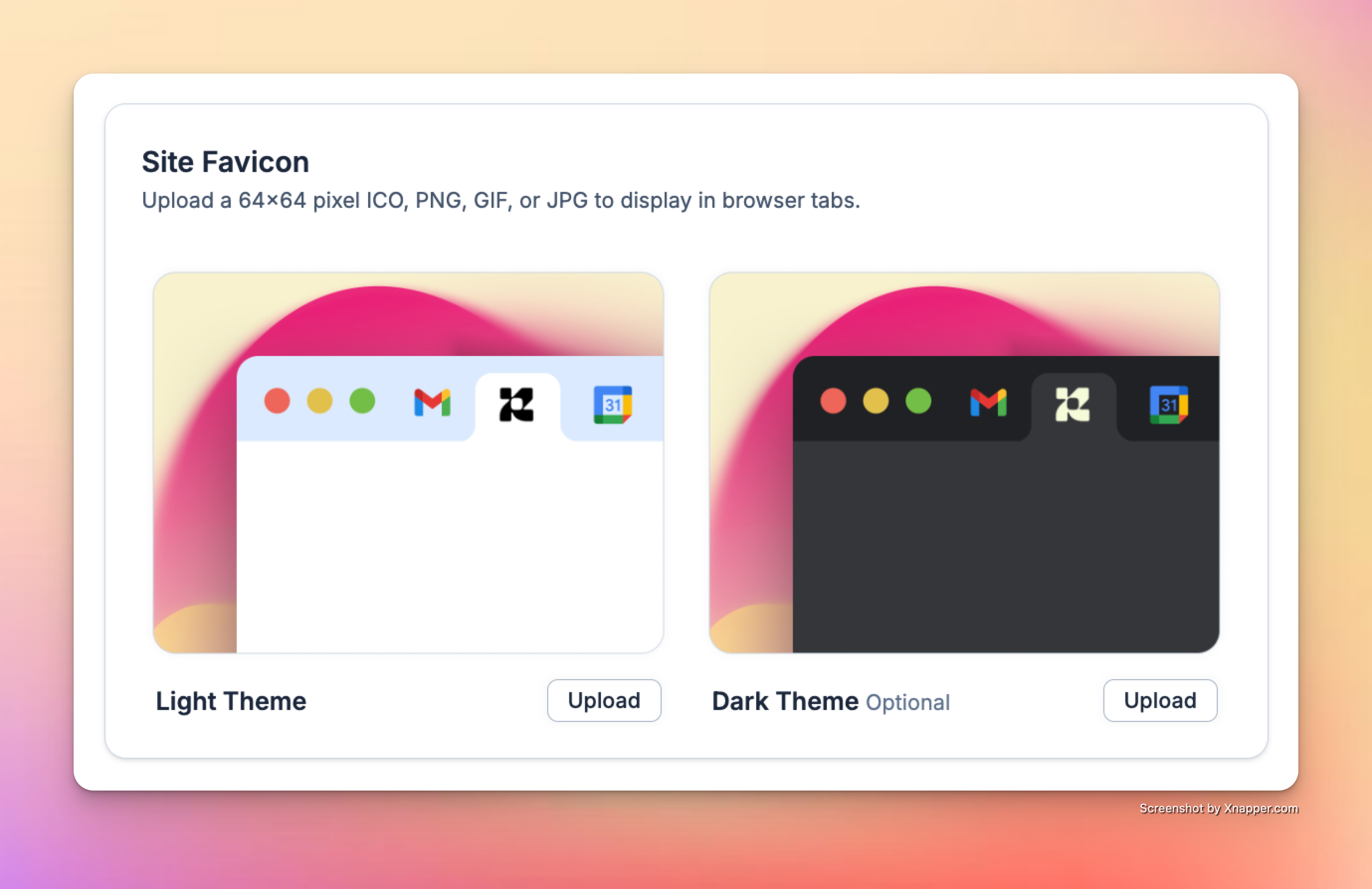
Your **favicon** is the small icon displayed in browser tabs, bookmarks, and search results. Setting a favicon ensures your brand looks professional and recognizable across the web.
* **Light Theme Favicon**
Upload a 64×64 pixel ICO, PNG, GIF, or JPG that will appear in all browser tabs.
* **Dark Theme Favicon (Optional)**
Upload an optional second version of your favicon for browsers or devices using dark mode.
# **Site Favicon (Shop-Level Setting)**
Your **favicon** is the small icon displayed in browser tabs, bookmarks, and search results. Setting a favicon ensures your brand looks professional and recognizable across the web.
* **Light Theme Favicon**
Upload a 64×64 pixel ICO, PNG, GIF, or JPG that will appear in all browser tabs.
* **Dark Theme Favicon (Optional)**
Upload an optional second version of your favicon for browsers or devices using dark mode.
 > Tip: Use a simplified version of your logo for maximum clarity at small sizes.
***
# **Publishing Changes**
* Updates to **Page & SEO settings** apply as soon as you save and republish your page.
* Updates to the **favicon** apply globally across your entire shop once saved.
> Tip: Use a simplified version of your logo for maximum clarity at small sizes.
***
# **Publishing Changes**
* Updates to **Page & SEO settings** apply as soon as you save and republish your page.
* Updates to the **favicon** apply globally across your entire shop once saved.