> ## Documentation Index
> Fetch the complete documentation index at: https://docs.replo.app/llms.txt
> Use this file to discover all available pages before exploring further.
# Brand Library
> Setting up and using your brand library.
## What is my Brand Library?
Your Brand Library is your central hub for managing all the design elements that define your brand. With your brand library, you can keep your pages consistent, save time when designing, and make global updates effortlessly.
Styles in your Brand Library automatically get applied to all templates and edits made with the AI editor. You can always manually attach a style or override it when editing.
## **Setting Up Your Theme (Colors, Text Styles, Logo)**
When you create a new shop, you’ll be prompted to set up a theme. If you already have an existing theme—or want to pull inspiration from another brand—you can simply enter a URL, and Replo will automatically import those styles.
 ### **Colors**:
Define your brand's palette. Every palette starts with 4 neutral colors and 2 brand colors (primary and secondary). You can add up to 4 brand colors in total.
### **Colors**:
Define your brand's palette. Every palette starts with 4 neutral colors and 2 brand colors (primary and secondary). You can add up to 4 brand colors in total.
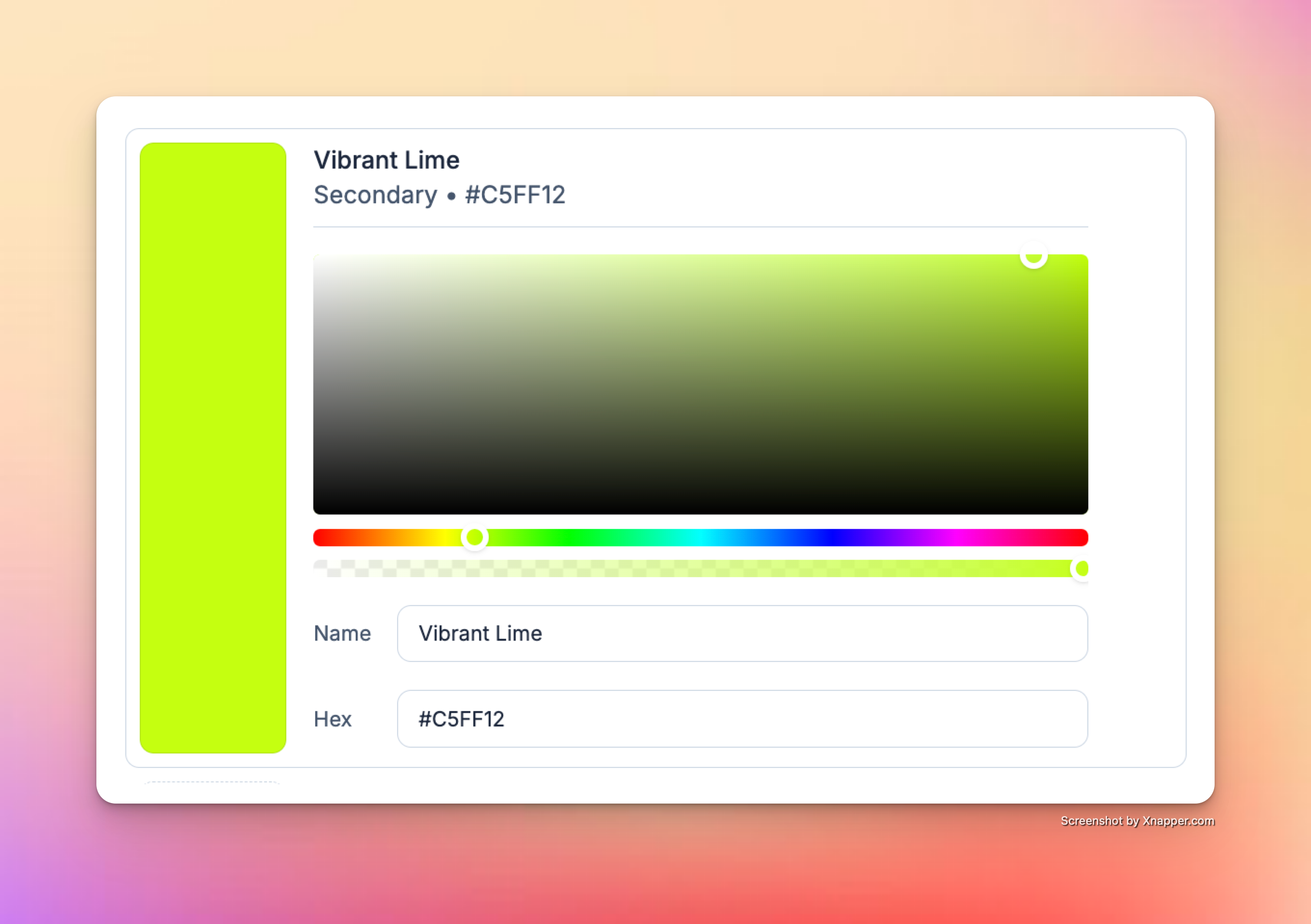
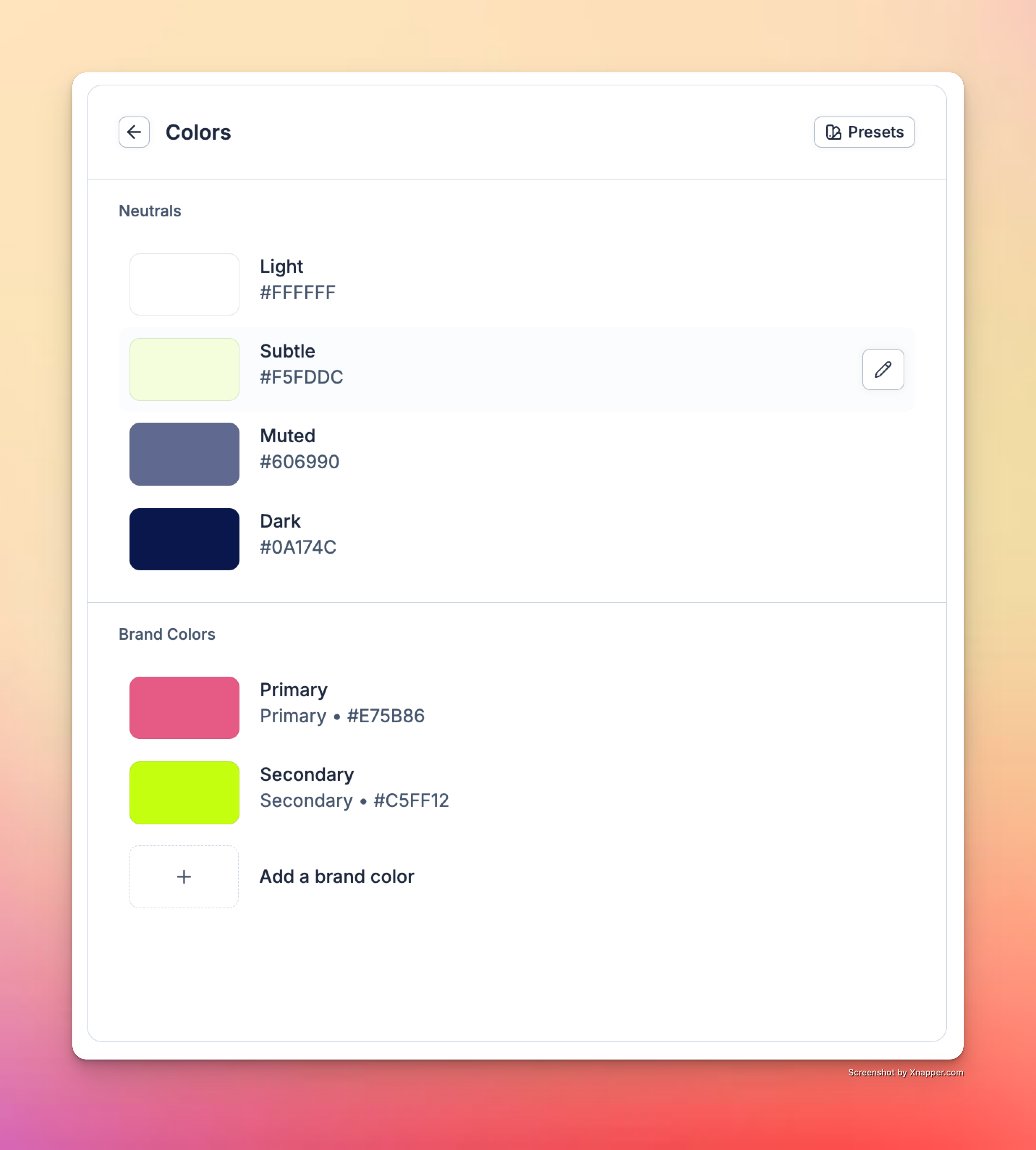 To edit a color, click on it to adjust the HEX code, opacity, and name. Naming color styles (e.g., *“Vibrant Lime”*) makes it easier for AI to apply them accurately in prompts like: *“Use Vibrant Lime for the hero background.”*
 ### **Text Styles**
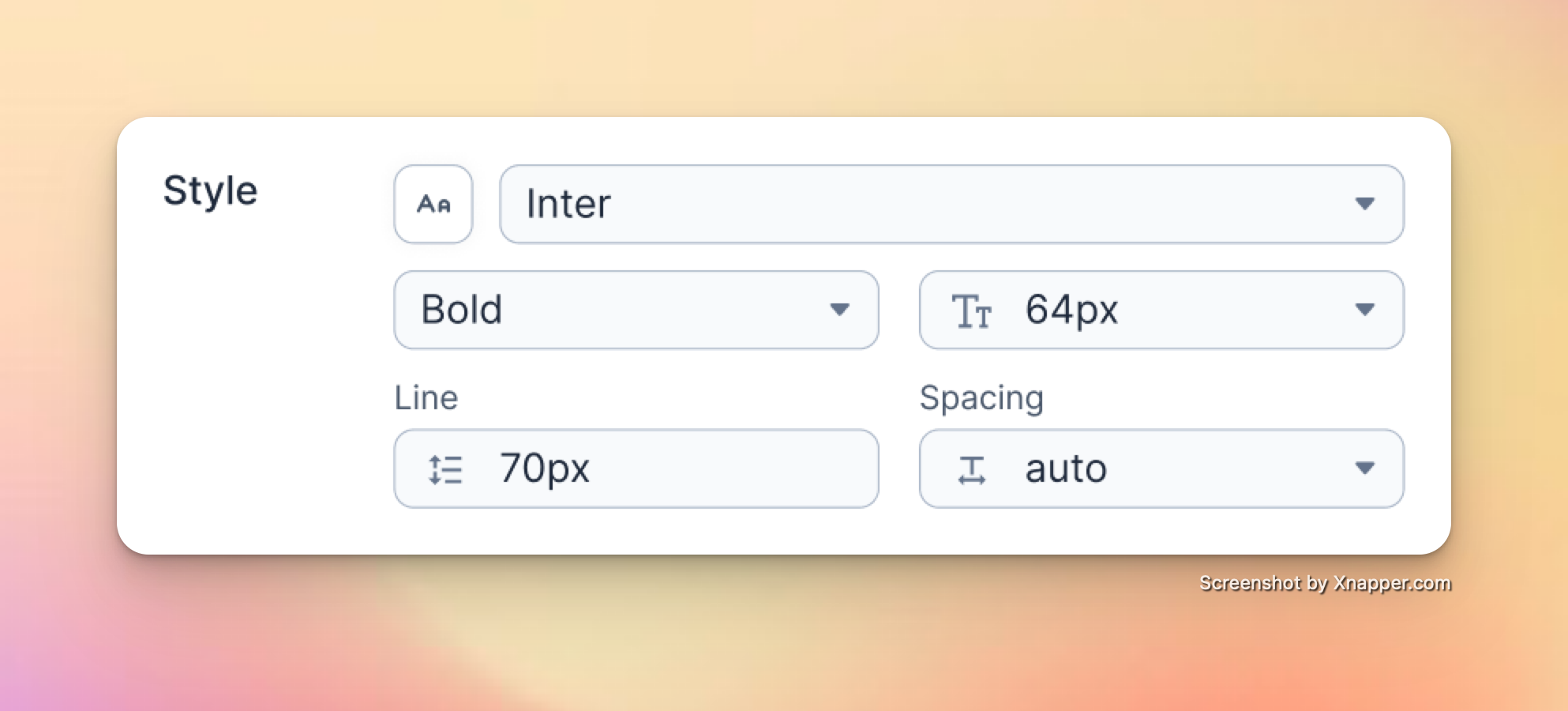
Every theme includes **4 Header** text styles and **1 Body** text style. For each, you can adjust:
* Font
* Text size
* Font weight
* Line height
* Spacing
### **Text Styles**
Every theme includes **4 Header** text styles and **1 Body** text style. For each, you can adjust:
* Font
* Text size
* Font weight
* Line height
* Spacing
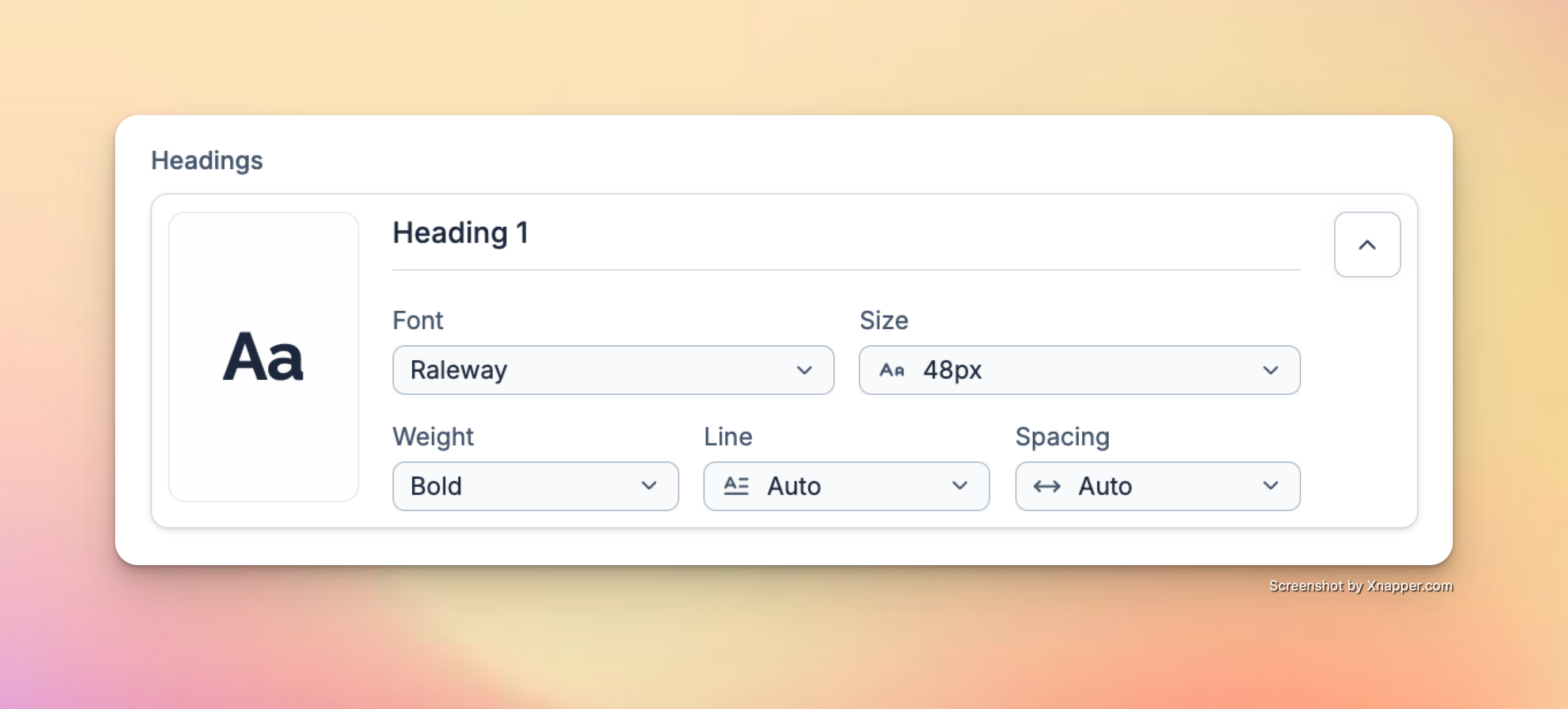
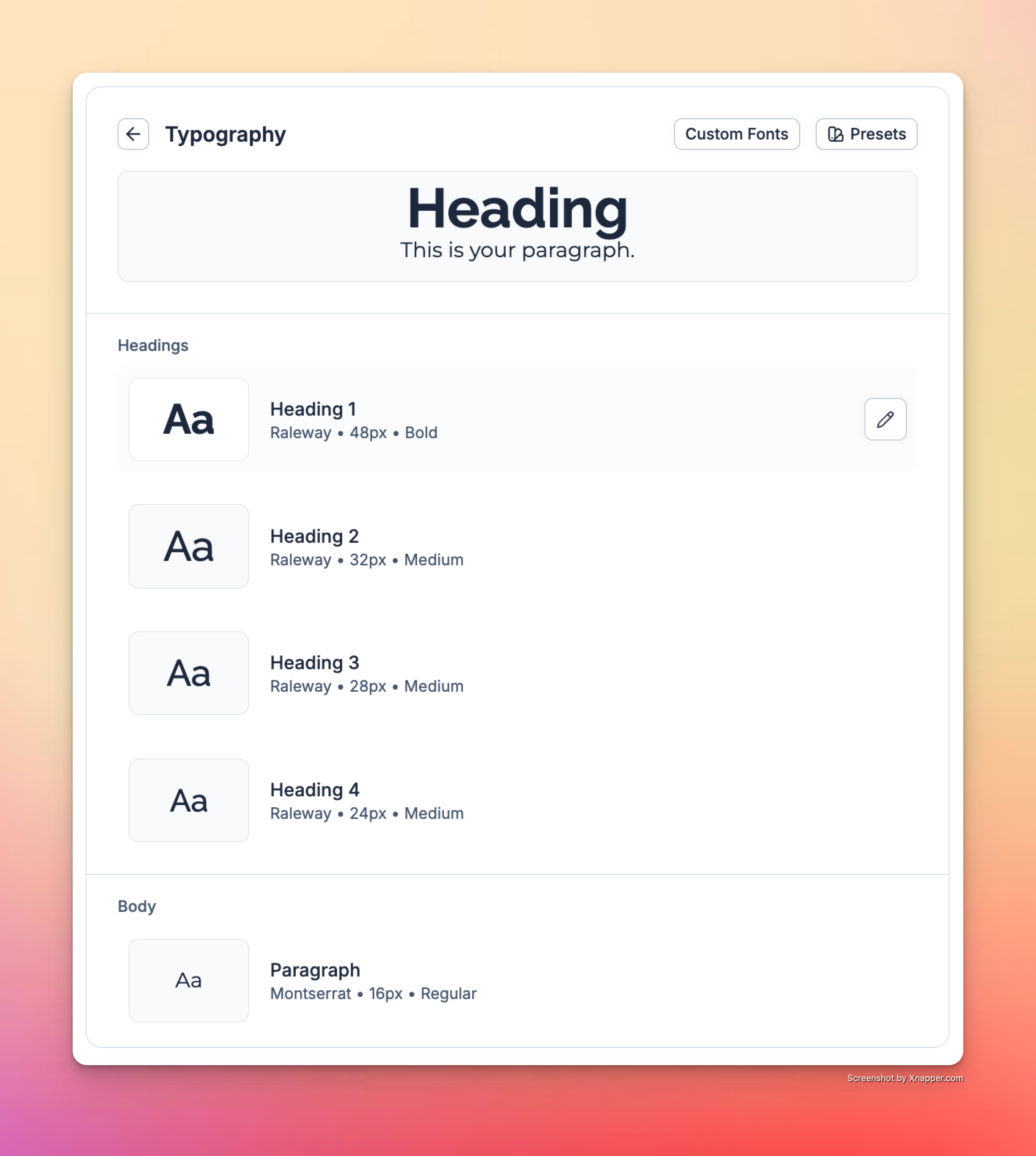 Click on a text style to edit it. Within each text style, you can customize the font, text size, font weight, line height, and spacing.
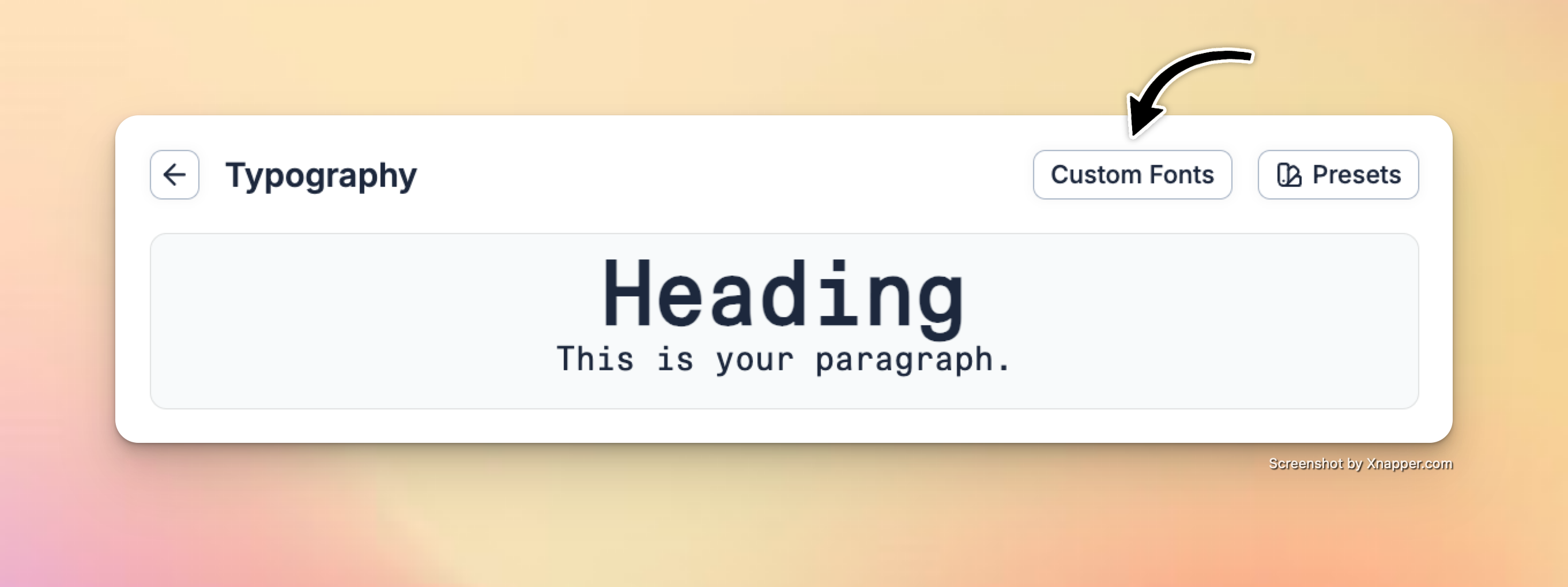
 To upload **custom fonts**, click the "Custom Fonts" button in the Brand Library and upload the file for each font weight you would like to use.
Replo currently supports **.otf, .ttf, .woff, .woff2** files for custom font uploads.
After uploading, the font will be available in all font selector menus in your brand library and editor.
To upload **custom fonts**, click the "Custom Fonts" button in the Brand Library and upload the file for each font weight you would like to use.
Replo currently supports **.otf, .ttf, .woff, .woff2** files for custom font uploads.
After uploading, the font will be available in all font selector menus in your brand library and editor.
 ### **Logo**
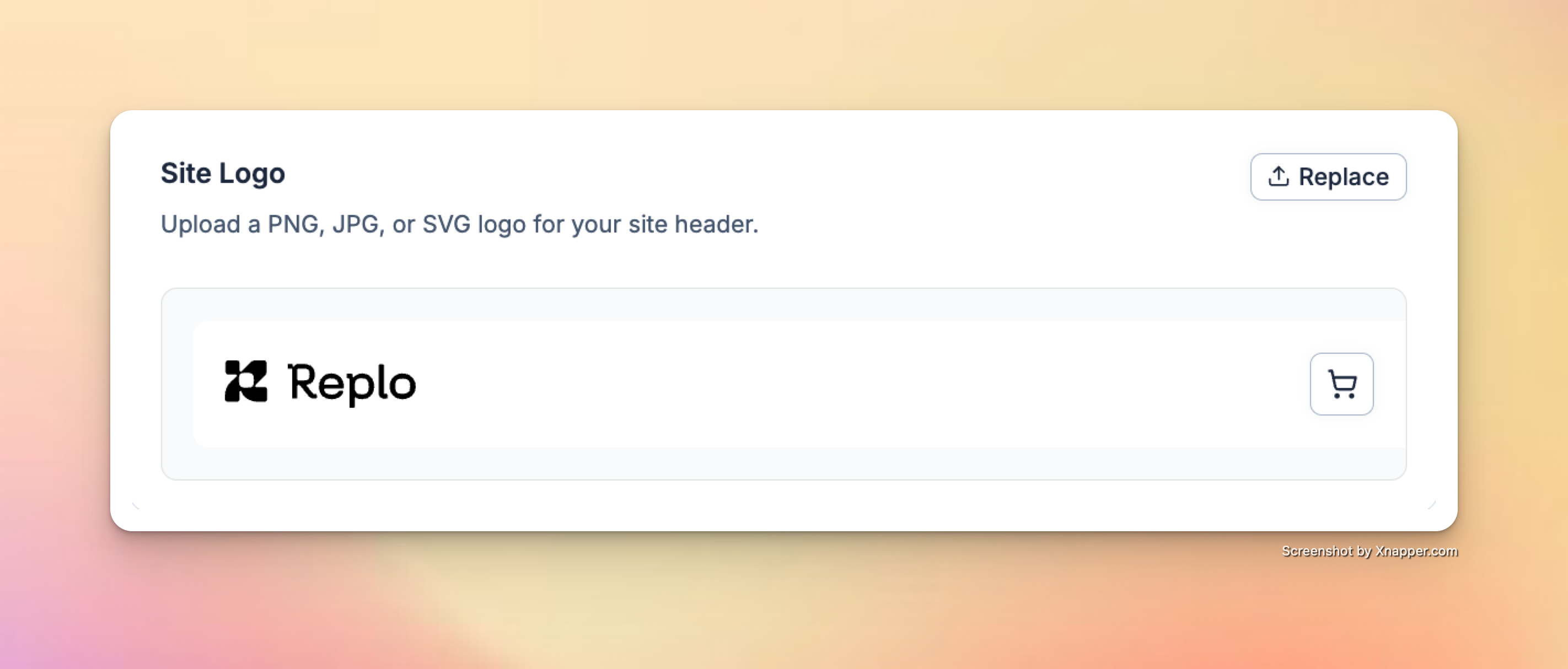
Upload a **PNG, JPG, or SVG** of your logo. Replo will automatically insert your logo into the page headers on all your pages.
### **Logo**
Upload a **PNG, JPG, or SVG** of your logo. Replo will automatically insert your logo into the page headers on all your pages.
 ## Using Style Presets
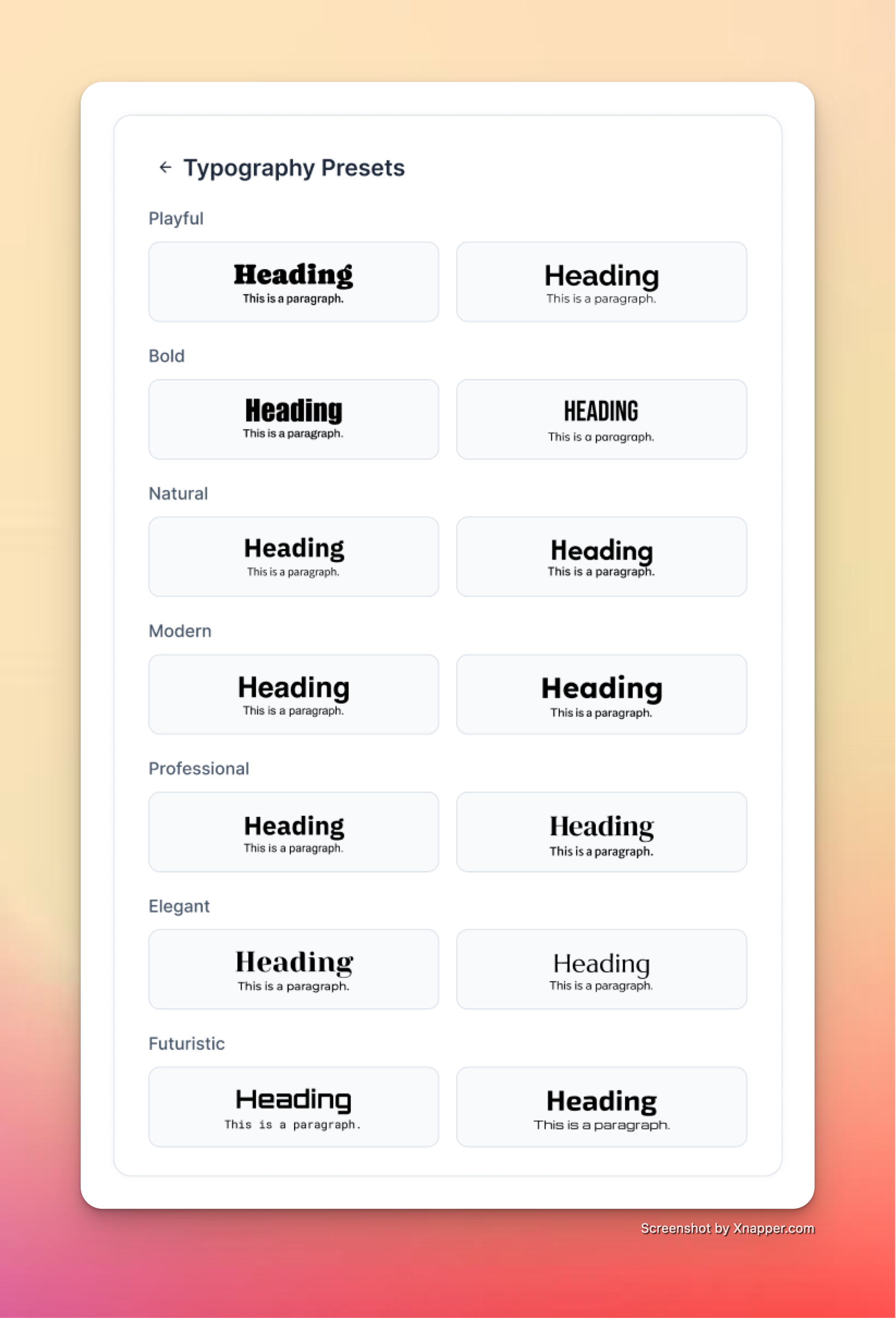
Tap the "Presets" button in the top right of your color library or typography library to access a set of pre-defined combinations. Click on one to preview it on your page!
## Using Style Presets
Tap the "Presets" button in the top right of your color library or typography library to access a set of pre-defined combinations. Click on one to preview it on your page!
![]()
 ## **Editing Your Brand Library**
You can update your Brand Library at any time from:
* The **Brand Library tab** in your dashboard
* The **Settings menu** while editing a page
Before saving, you can **preview changes** across all existing pages. Once saved, **updates will apply globally to every page in the shop** wherever styles are attached. These updates will go live the next time a page is published.
## **Using Styles when Editing**
By default, all templates and generated edits will use your styles unless told otherwise.
Selecting a specific element in Edit Mode allows you to **attach, swap, or detach** style on relevant properties. Detaching a style means that this property will no longer be affected by global updates to your Brand Library.
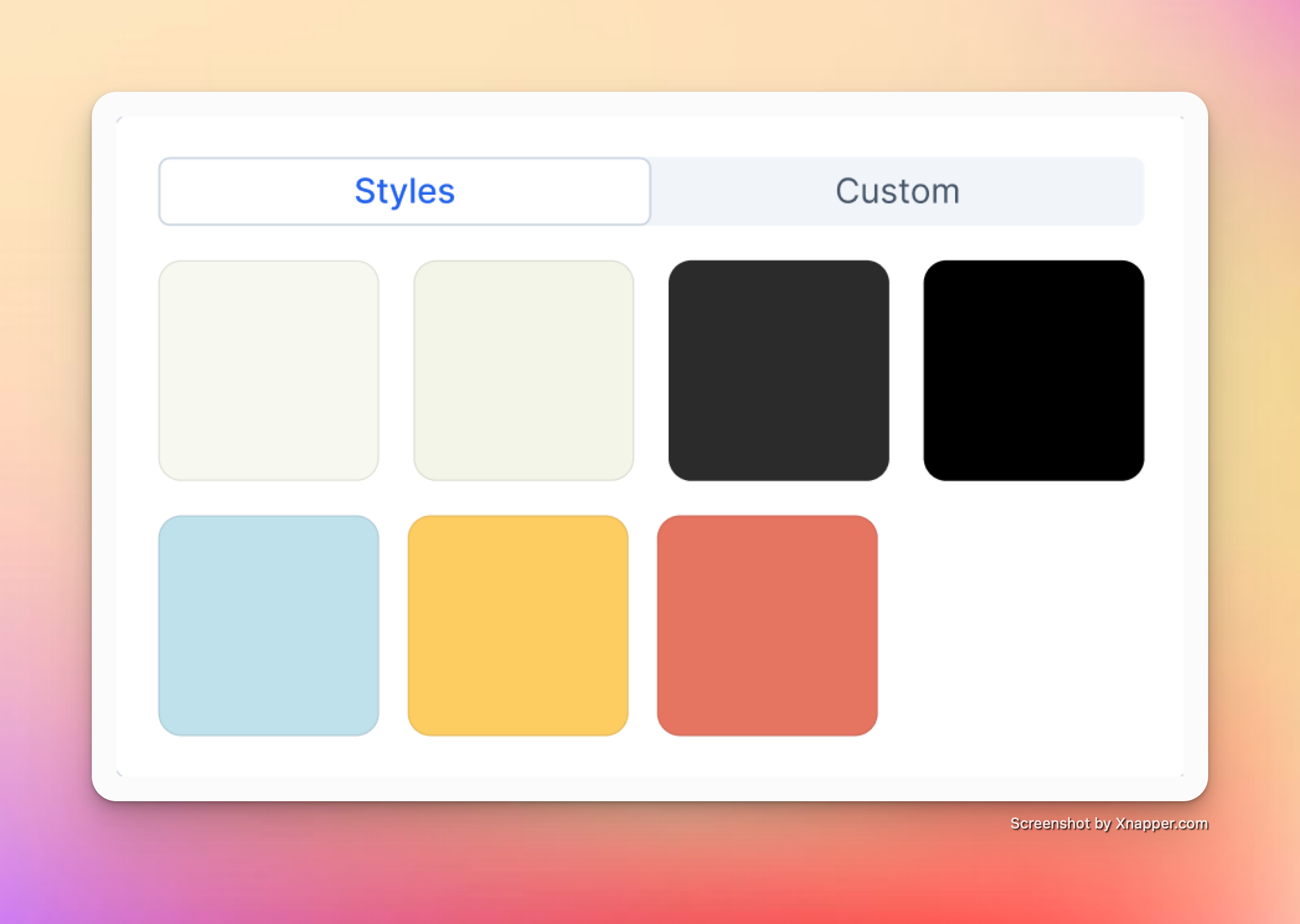
When editing an element, clicking on a color property opens the **Styles** tab (your palette). Switch to **Custom** to detach and use a one-off color.
## **Editing Your Brand Library**
You can update your Brand Library at any time from:
* The **Brand Library tab** in your dashboard
* The **Settings menu** while editing a page
Before saving, you can **preview changes** across all existing pages. Once saved, **updates will apply globally to every page in the shop** wherever styles are attached. These updates will go live the next time a page is published.
## **Using Styles when Editing**
By default, all templates and generated edits will use your styles unless told otherwise.
Selecting a specific element in Edit Mode allows you to **attach, swap, or detach** style on relevant properties. Detaching a style means that this property will no longer be affected by global updates to your Brand Library.
When editing an element, clicking on a color property opens the **Styles** tab (your palette). Switch to **Custom** to detach and use a one-off color.
 Click on a text style to swap it out. Attached styles inherit font, size, weight, line height, and spacing from the Brand Library.
* **Detach a style** → click the “x” on the style property
* **Attach a style** → click the “Aa” icon next to the font selector
Click on a text style to swap it out. Attached styles inherit font, size, weight, line height, and spacing from the Brand Library.
* **Detach a style** → click the “x” on the style property
* **Attach a style** → click the “Aa” icon next to the font selector