This article guides you through permission levels within Replo workspaces and shops. Understanding these roles and permissions will enable you to effectively manage your team’s access and responsibilities within the platform.Documentation Index
Fetch the complete documentation index at: https://docs.replo.app/llms.txt
Use this file to discover all available pages before exploring further.
Overview of permission levels
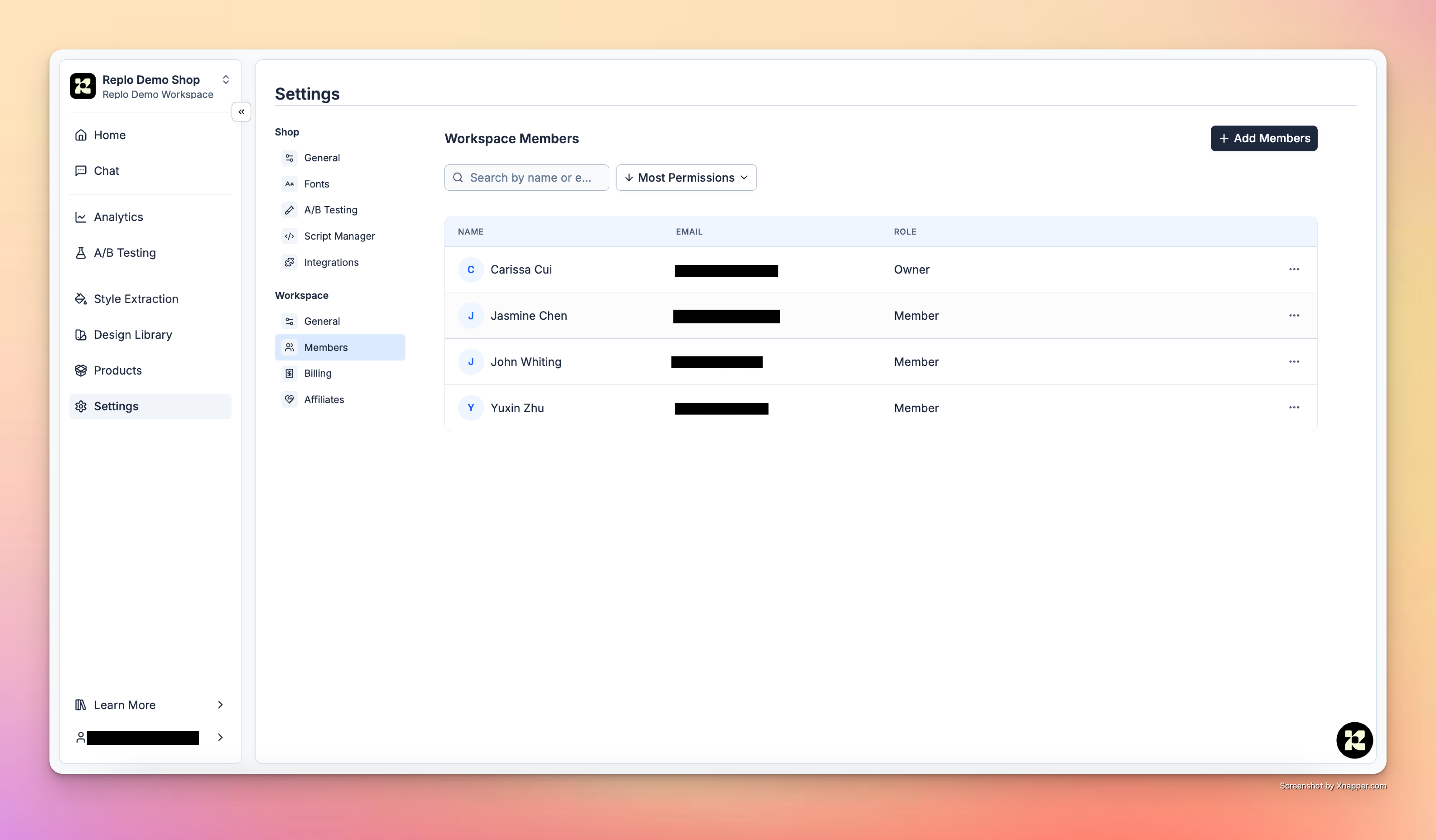
Permissions categorize workspace participants into two roles:- Owner: Full access to all workspace management features, including member management, shop handling, and billing adjustments.
- Member: Ability to work on shops and invite other members, lacking full managerial control over the workspace.
Permissions detail
The permission levels dictate what actions can be performed within the workspace by Owners and Members. The table below outlines these capabilities:| Action | Owner | Member |
|---|---|---|
| Upgrade Members to Owners | ✅ | |
| Downgrade Owners to Members | ✅ | |
| Create New Workspaces | ✅ | ✅ |
| Create New Shops | ✅ | ✅ |
| Delete Shops | ✅ | |
| Delete Workspaces | ✅ | |
| Move Shops Between Workspaces | ✅ | |
| Upgrade or Downgrade Workspace Billing Plans | ✅ |